

Why Your Label Printer Says Ready When Nothing Prints
· Ryan Aston · 7 min read
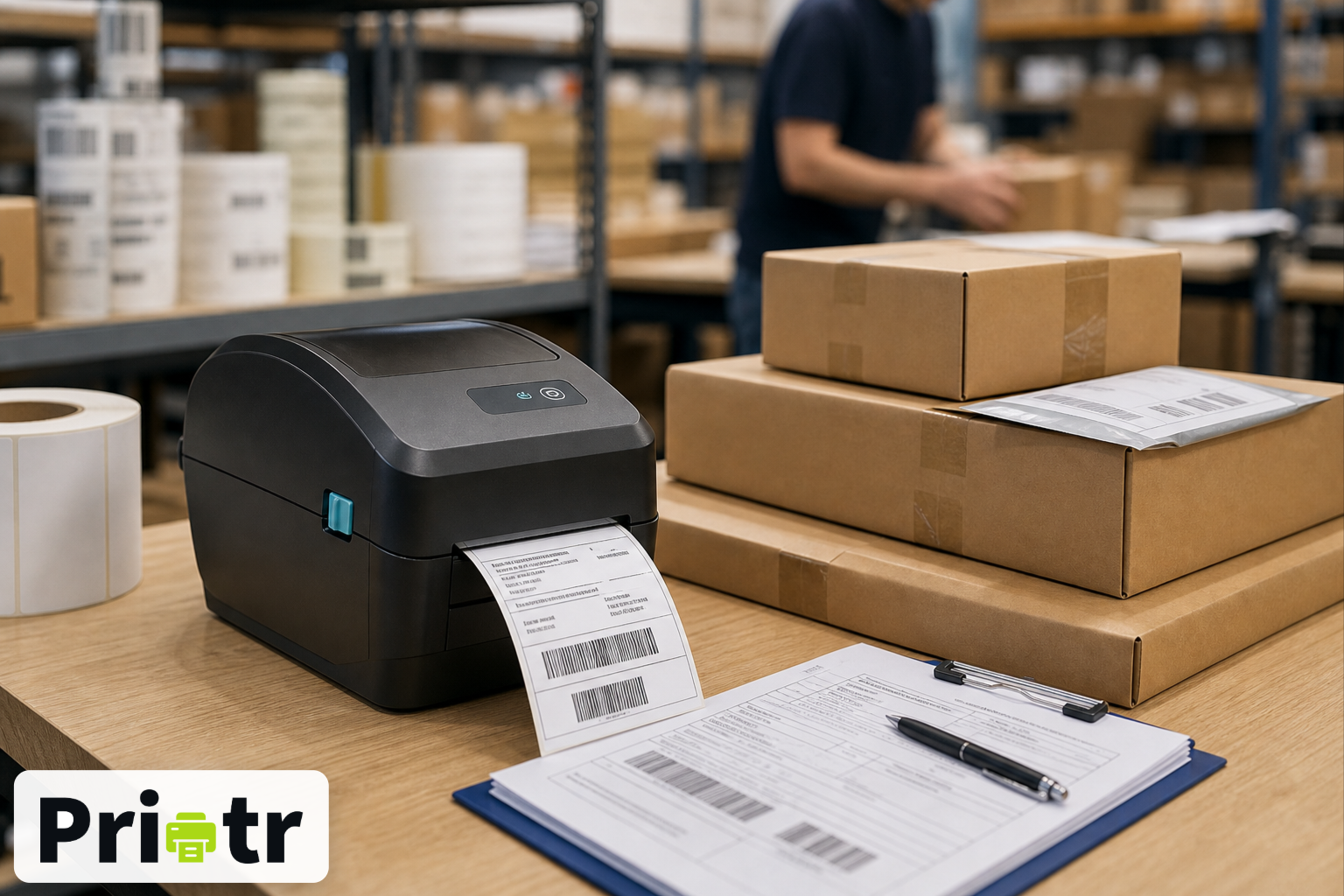
It is half three on a Thursday. The courier collection is at five, there are forty orders left to get out, and the label printer on the pack bench has stopped.
Not broken, exactly. The screen on the front looks normal. The computer says it is ready. Somebody sends the job again. Nothing. Somebody sends it a third time, then turns the printer off and on, and three labels come out at once — two of which are now duplicates for orders that went out ten minutes ago.
Every warehouse has had that afternoon. Most have it more than once a month and have stopped counting it as a problem, in the way you stop noticing a door that sticks.
Three kinds of printing, three ways to lose time
Warehouses print far more than people outside them assume, and the failures land differently depending on what was printing.
Shipping labels hurt immediately. They are time-critical, tied to a courier cut-off, and a missing one stops a parcel leaving. When labels stall at four o'clock, the cost is a missed collection and forty unhappy customers.
Asset and stock labels fail quietly, which is worse in a different way. A pallet that went to a bay without a label, a bin that never got its location tag, a unit that should have been marked up at goods-in and was not — none of it announces itself. It becomes stock your system thinks it knows the position of and does not. Nobody notices at the time. Somebody notices weeks later when a count does not reconcile, and by then nobody can say which items were affected.
Paperwork — despatch notes, goods receipt notes, picking lists, proformas, invoices, certificates — fails in the most annoying way of all, because it usually fails silently and gets discovered by whoever was waiting for it. Often that is your customer.
Same printer, same network, same problem underneath. The only difference is how long before somebody finds out.
None of this is specific to an industry. Whether the thing on the shelf is a phone, a pharmaceutical, a spare part or a case of wine, the label either came out or it did not, and your system either knows which or it does not.
Why the computer says everything is fine
Here is the part that explains the whole thing, and almost nobody has ever had it explained to them.
When your software prints, it does not talk to the printer. It hands the job to a queue on the computer, and the queue passes it along. The moment the queue has passed it along, it considers the job done, and reports success.
The queue is telling you the truth. It is just answering a different question from the one you asked. You wanted to know whether a label came out. It told you that it managed to hand the job over.
So the queue will happily say Ready when:
- The printer has run out of labels
- The head is open
- The roll jammed halfway through a batch
- The printer is mid-restart and dropped everything in its memory
- Somebody unplugged it to plug in a fan
Try it sometime. Unplug a label printer completely, and look at the status on the computer. It will usually still say ready, because nothing has actually been asked.
That design made sense when printing meant documents and a person stood next to the machine, because a human noticing "nothing came out" was good enough. It stops making sense the moment printing is part of a process — when the thing that needed the label was your system despatching an order, and it has already moved on to the next one.
What you should be able to see
Nothing exotic. Three things:
Whether the printer is actually there. Not whether the computer thinks so. Whether the printer itself answers when something asks it, checked regularly and checked again at the moment you are about to send something to it.
What happened to every label. Not just a tick. The sequence, with times: sent at 15:32, reached the bench PC at 15:32, printing at 15:33, printed at 15:33. So when a parcel turns up without a label, you can find out whether the job never arrived or whether it arrived and the printer failed — because those are two different problems and they need two different people to fix them.
A reason when it fails, in plain words. "Failed" is not a reason. Out of labels is a reason. Head open is a reason. Cannot reach this printer is a reason. The first two are fixed by whoever is standing at the bench, in about fifteen seconds, without phoning anybody.
And sending the same job twice should produce one label. When someone is not sure a label printed, they will print it again — that is human, and no amount of training stops it. The system should expect that and not reward it with duplicates.
That is what Printr does
Printr sits between whatever system you print from and the printers on your floor.
It does not care what that system is. A warehouse management system, an ERP, an order platform, a courier integration, something built in-house years ago by somebody who has since left — if it can send a print job, it can send it through Printr. The same goes for however many of them you run at once, which in most warehouses is more than one.
It checks your printers directly, every 45 seconds, and again the moment before it sends anything to one. A printer that has been unplugged shows as offline, because it was asked and it did not answer — not because a queue guessed.
Every label keeps its own history, timestamped at each step, so "did it print?" has an actual answer rather than an opinion. When something fails you get the reason, and whether trying again is worth it.
Send the same job twice and you get one label.
You see all of it on a dashboard: what has printed today, what is waiting, what failed, and which printers need attention. On a busy Thursday afternoon, that is the difference between knowing and walking over to look.
It is not an IT project
The usual reason this sort of thing never gets fixed is that it sounds like one. Someone would have to open a port, or stand up a server, or raise a change request that sits in a queue for three weeks while everyone carries on printing three times and hoping.
Printr does not need any of that. A small helper runs on one computer at each site and quietly checks in for work. Nothing has to be opened up on your network, and one machine can drive every printer at that location.
It works with the Zebra, TSC and Xprinter thermal printers you already own, on the network or plugged in.
There is a free tier — 100 labels a month, no card required — which is enough to point it at the printer that causes you the most grief and watch what it tells you. Most sites are printing within the hour.
If your afternoon has ever been held up by a printer insisting it was fine, it is worth twenty minutes.
Where Printr helps
Printr sends labels, packing slips and invoices from your software to the printers in your building. The free plan is 100 labels a month, no card required.